MAD Biz App
MAD Biz App: sign in to your dashboard
Sign in to your MAD Biz App account with a one-time email link. No password needed.
Updated 2026-11-18
The MAD Biz App is your dashboard: leads, reports, reviews and listings in one place. Your account is set up for the email in our onboarding message. You never need a password.
Sign in
- Go to app.madmonkey.media and choose Log in.
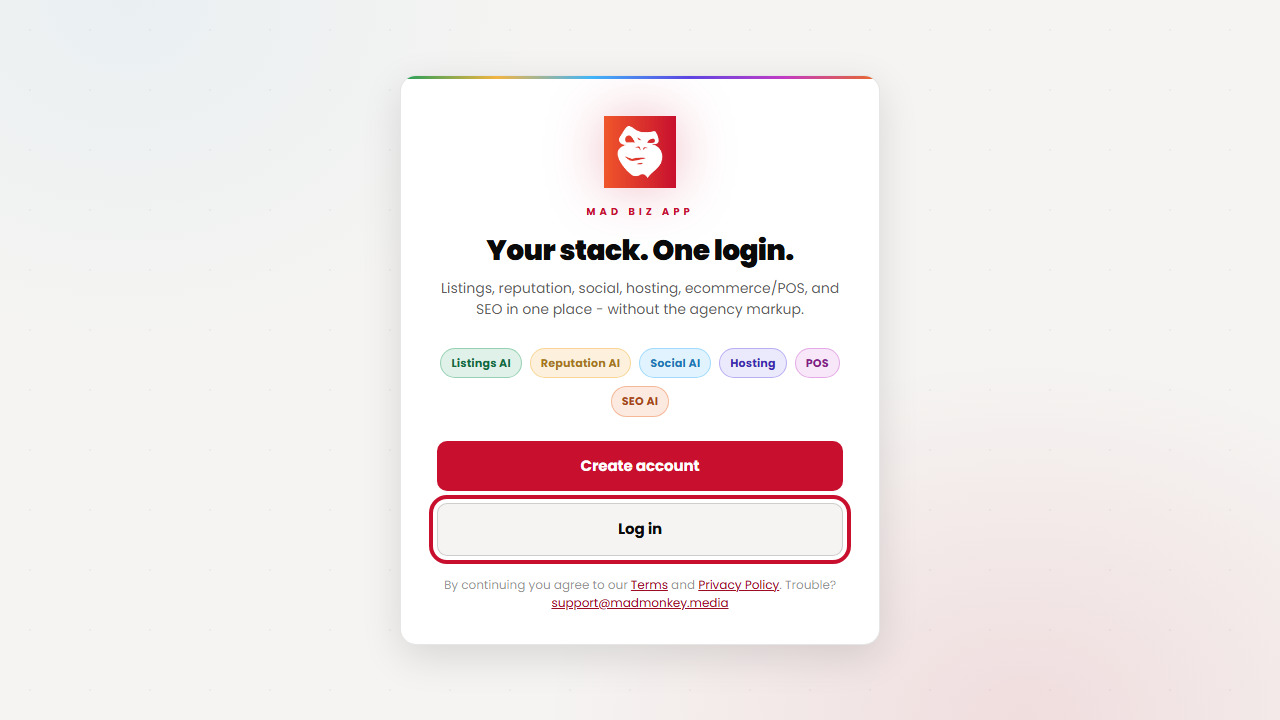
BA-01: MAD Biz App start page with Log in. Screenshot of our own MAD Biz App. - On the MAD Login page, under Email me a sign-in link, type the email we set up for you and choose Send link.
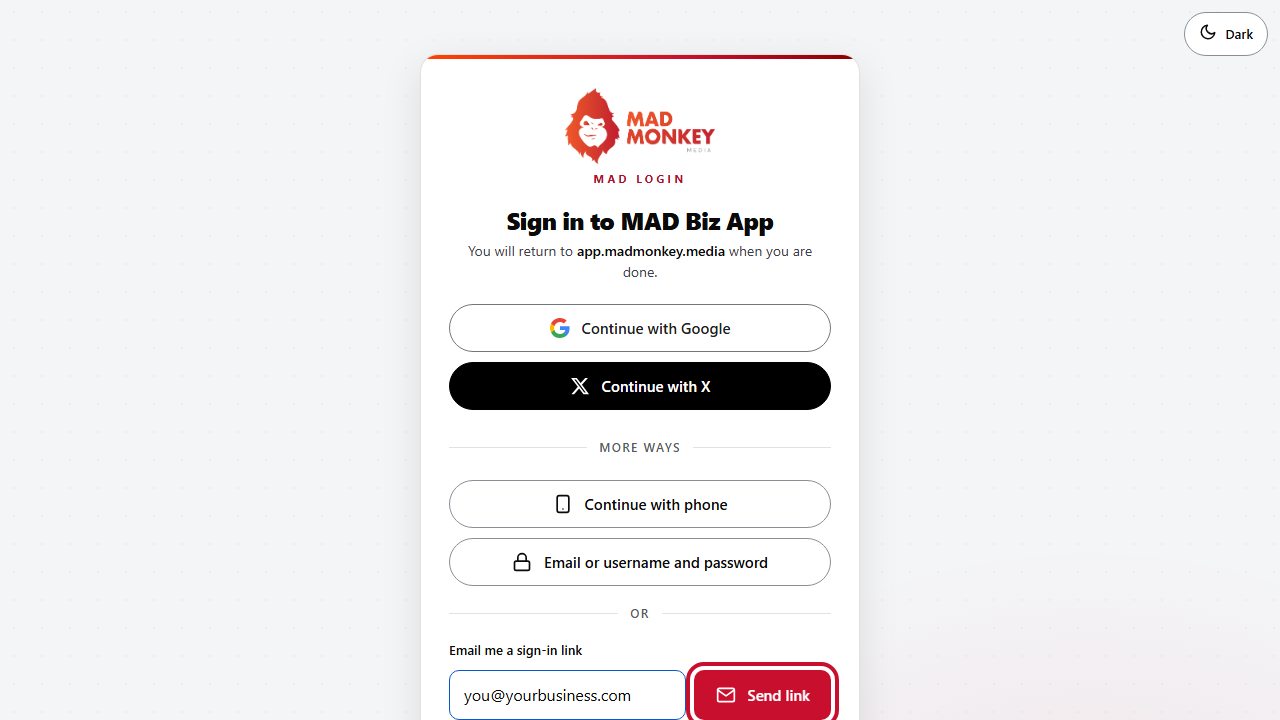
BA-02: MAD Login with Email me a sign-in link and Send link. Screenshot of our own MAD Login page. - Open the email on the same device and tap the link. It works once and is good for 15 minutes.
- You land in your business account. Google sign-in also works if your Google account uses the same email.
Add your team
Want a manager or host to see the dashboard too? Email us their name and email and we add them the same day.
If something does not work
- No email: check spam and promotions, and make sure you typed the same email we set up.
- Link expired: go back to app.madmonkey.media and send a new one.
- Wrong account or empty dashboard: you may have signed in with a different email. Call us.
More sign-in options: Sign in to any MAD app.
Rather do it together?Call us and we will walk you through it in a few minutes.
Call 1 (800) 858-1639Was this helpful? Send feedback