Access and Permissions
Universal Analytics (Google Analytics 3) access
Legacy steps for old Universal Analytics properties.
Updated 2025-10-30
Legacy: Google stopped Universal Analytics in 2023 and 2024. Most sites now use Google Analytics 4. Use these steps only if your project manager asks.
- Sign in to analytics.google.com.
- Search for your website by domain name or tracking code.
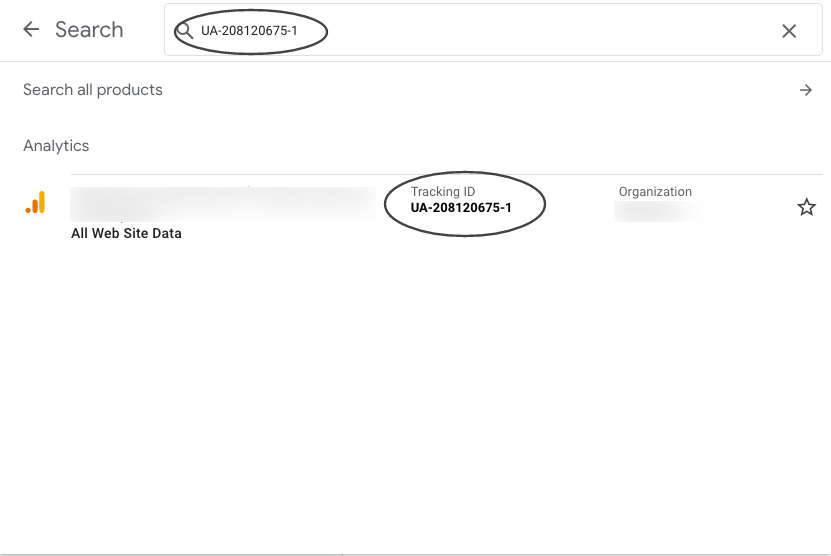
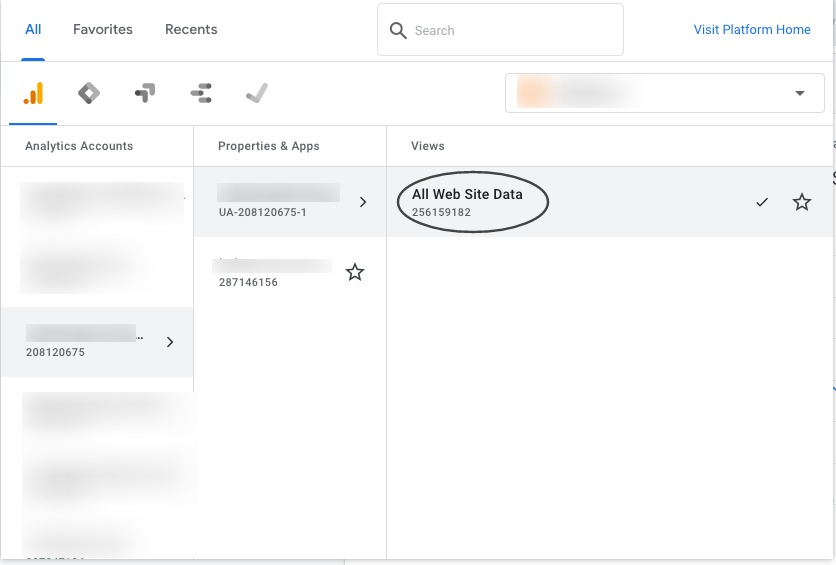
- Choose All Website Data.
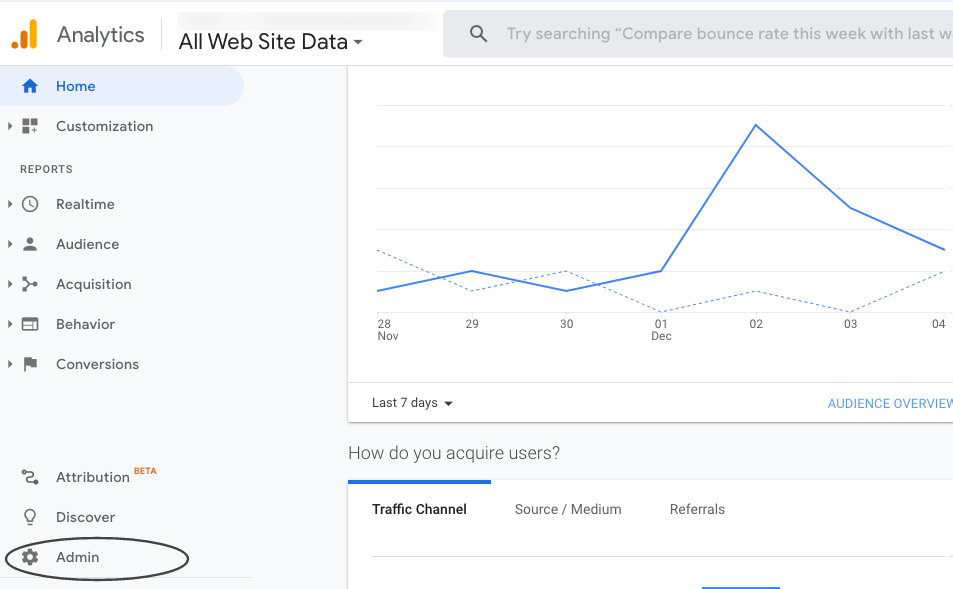
- Choose Admin.
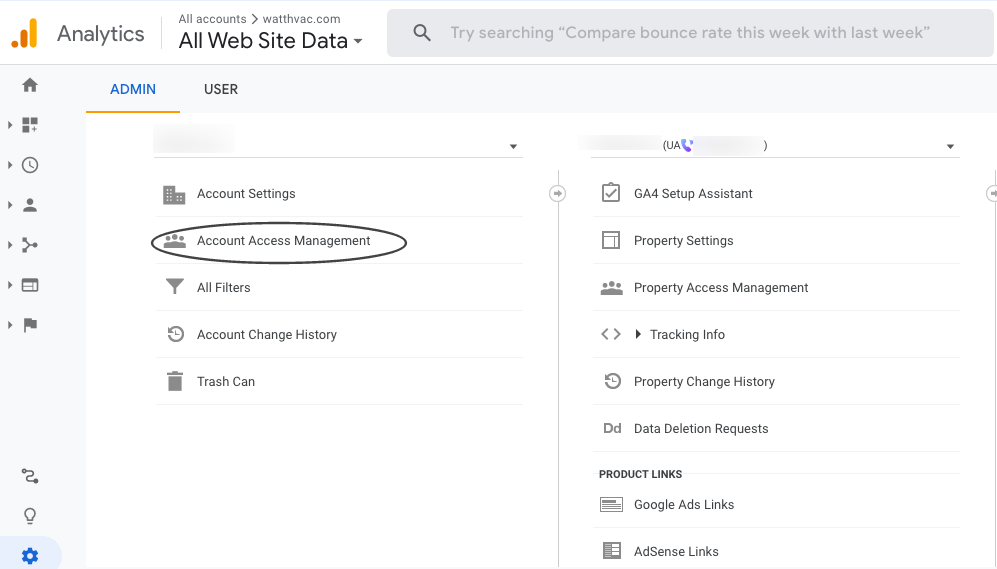
- Choose Account Access Management.
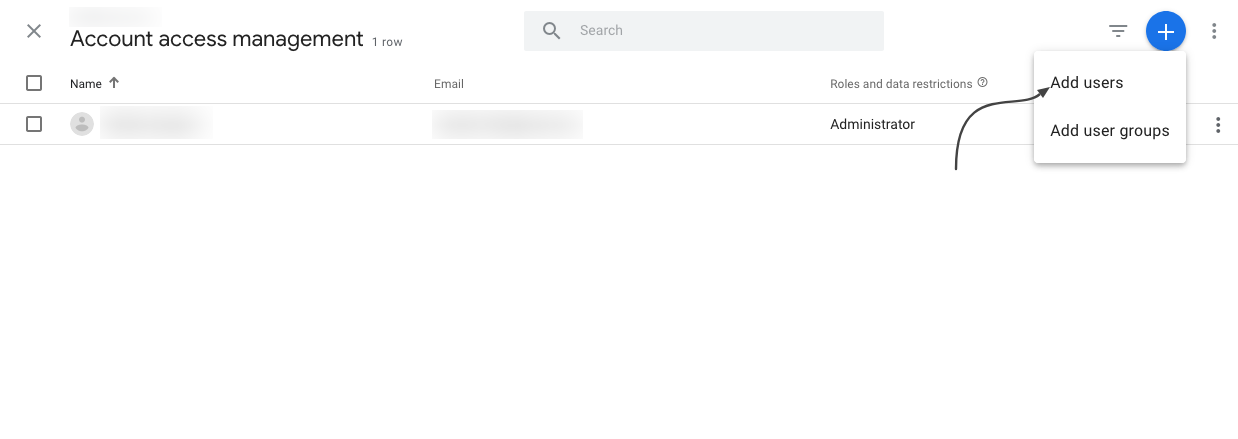
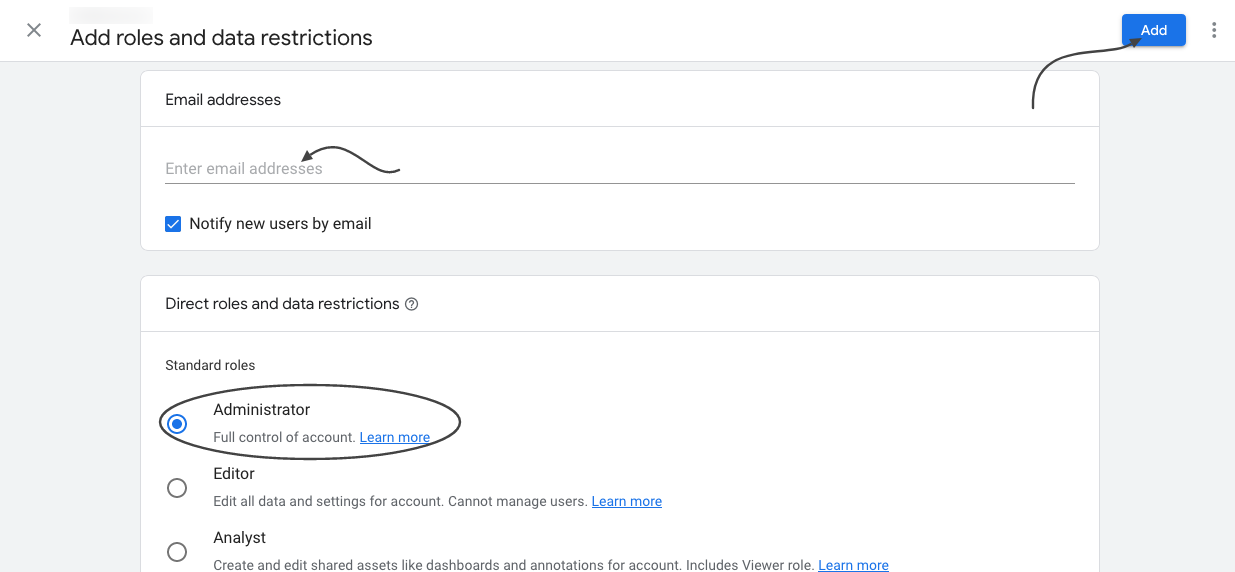
- Choose +, then Add users, and enter the email address.
- Access is now granted.
Was this helpful? Send feedback