Access and Permissions
Grant access to Google Analytics 4 (GA4)
Add the email your project manager gives you as an Administrator on your GA4 property.
Updated 2025-10-30
Follow these steps to give the email address from your project manager access to Google Analytics 4.
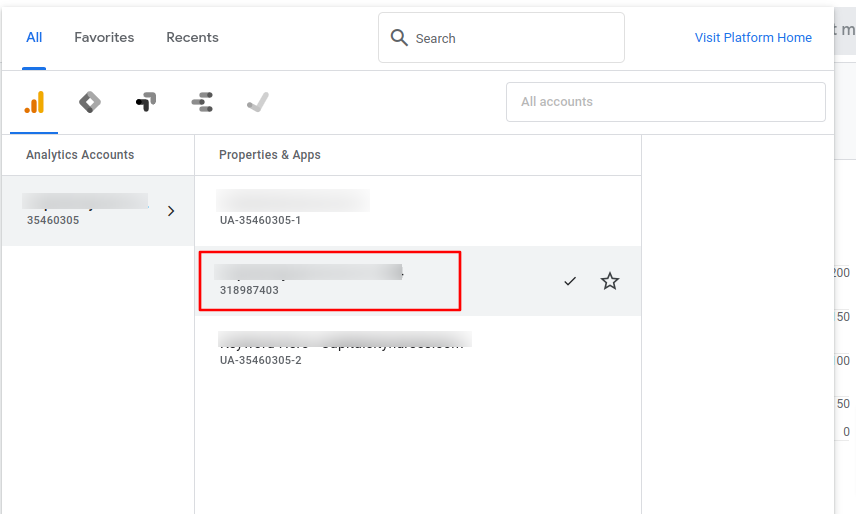
- Sign in to analytics.google.com and select your GA4 account.
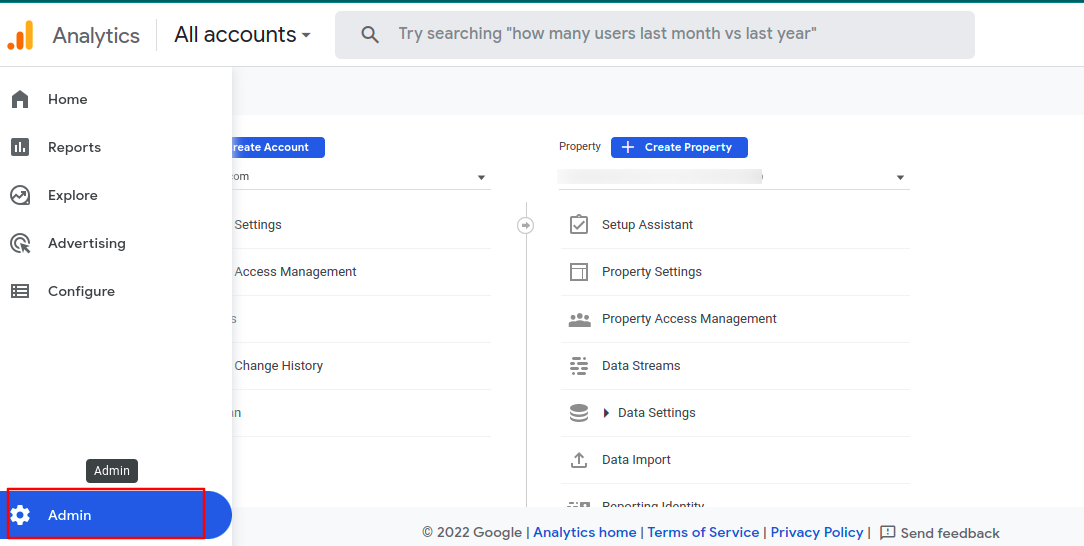
- Choose Admin.
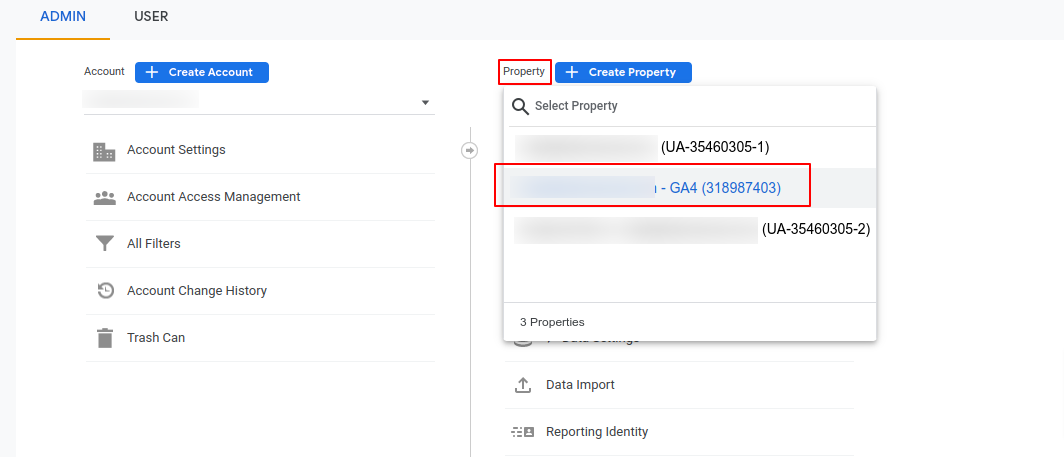
- Under Property, select your GA4 property.
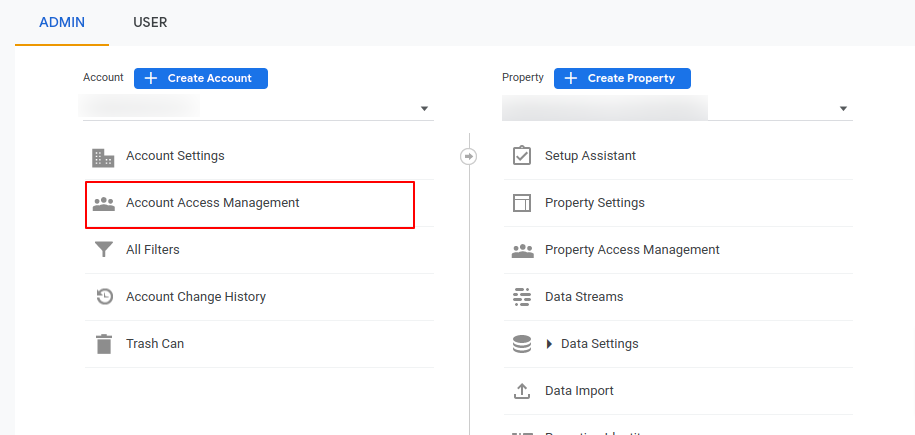
- Choose Account Access Management.
- Choose the blue + button at the top right, then Add users.

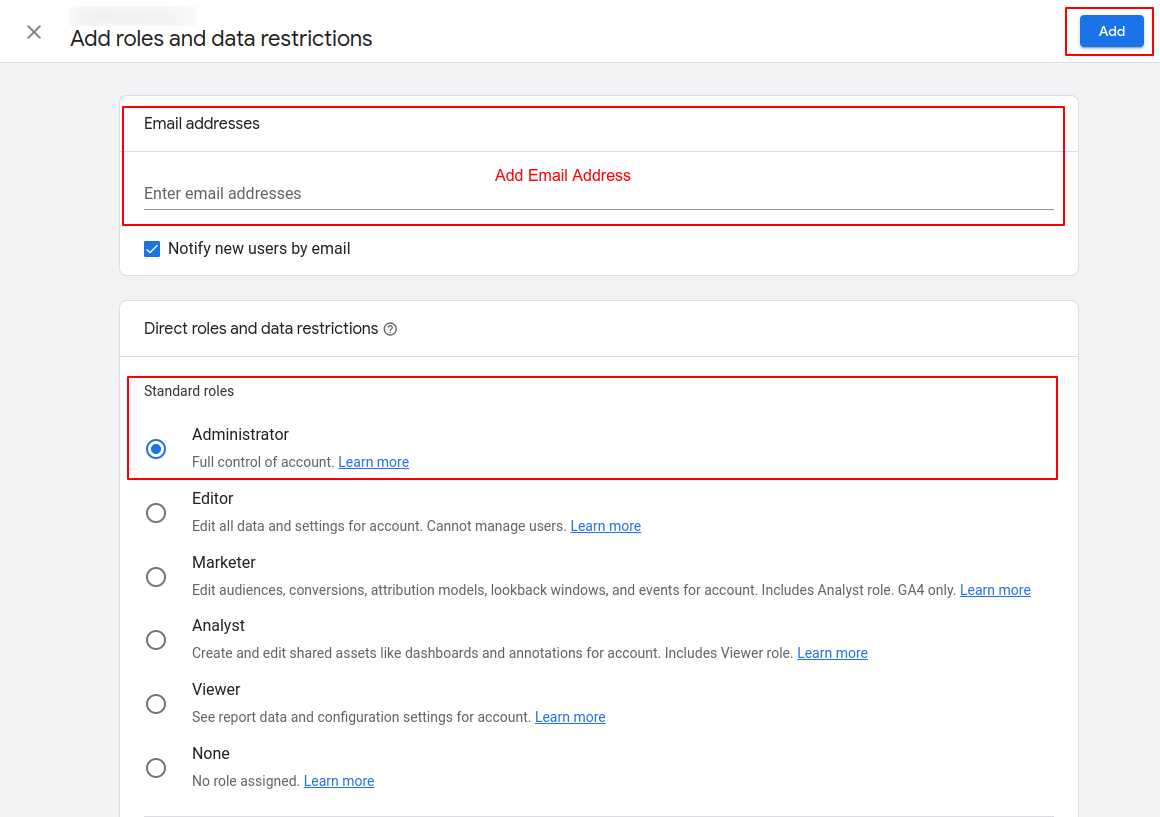
- Enter the email address, select Administrator under Standard roles, and choose Add.
All set. Let your project manager know so we can confirm access.
Was this helpful? Send feedback